
Speaking
Record Read Aloud, Repeat Sentence and other speaking responses. Replay your recording and review the available feedback.
ANDROID & WEB
Swiftuni brings PTE Academic and PTE Core practice to your Android phone and web browser. Practise all four skills, get AI feedback on supported tasks and review your attempts before your next session.
Free to download, with free practice access. Some features require VIP access or usage tokens.
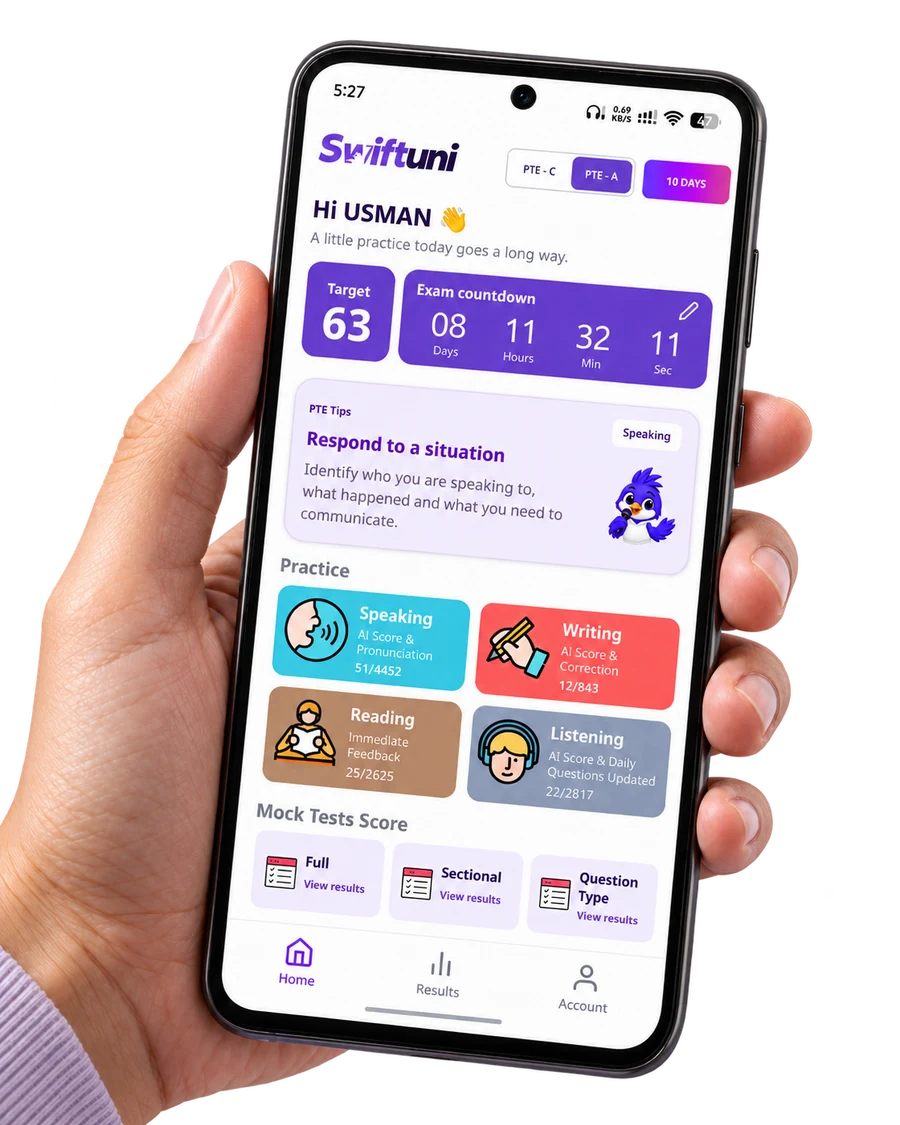
ONE APP. FOUR SKILLS.
Start with one task or make time for a longer session. Your selected exam determines which question types you see.
Record Read Aloud, Repeat Sentence and other speaking responses. Replay your recording and review the available feedback.
Practise Summarize Written Text, Write Essay for Academic or Write Email for Core, with AI feedback on supported tasks.
Work on fill-in-the-blanks, paragraph ordering and multiple-choice questions. Use dictionary support where available.
Build a routine with listening questions, summaries and Write from Dictation. Review your answers to find what needs another attempt.
YOUR PRACTICE. MORE ROOM TO FOCUS.
Open Swiftuni on your computer for a bigger view of your PTE practice, daily tasks and mock-test progress. Choose Academic or Core and get started in your browser—no app download needed.
Open the web appSign in to practise. Features and access depend on the task and your plan.
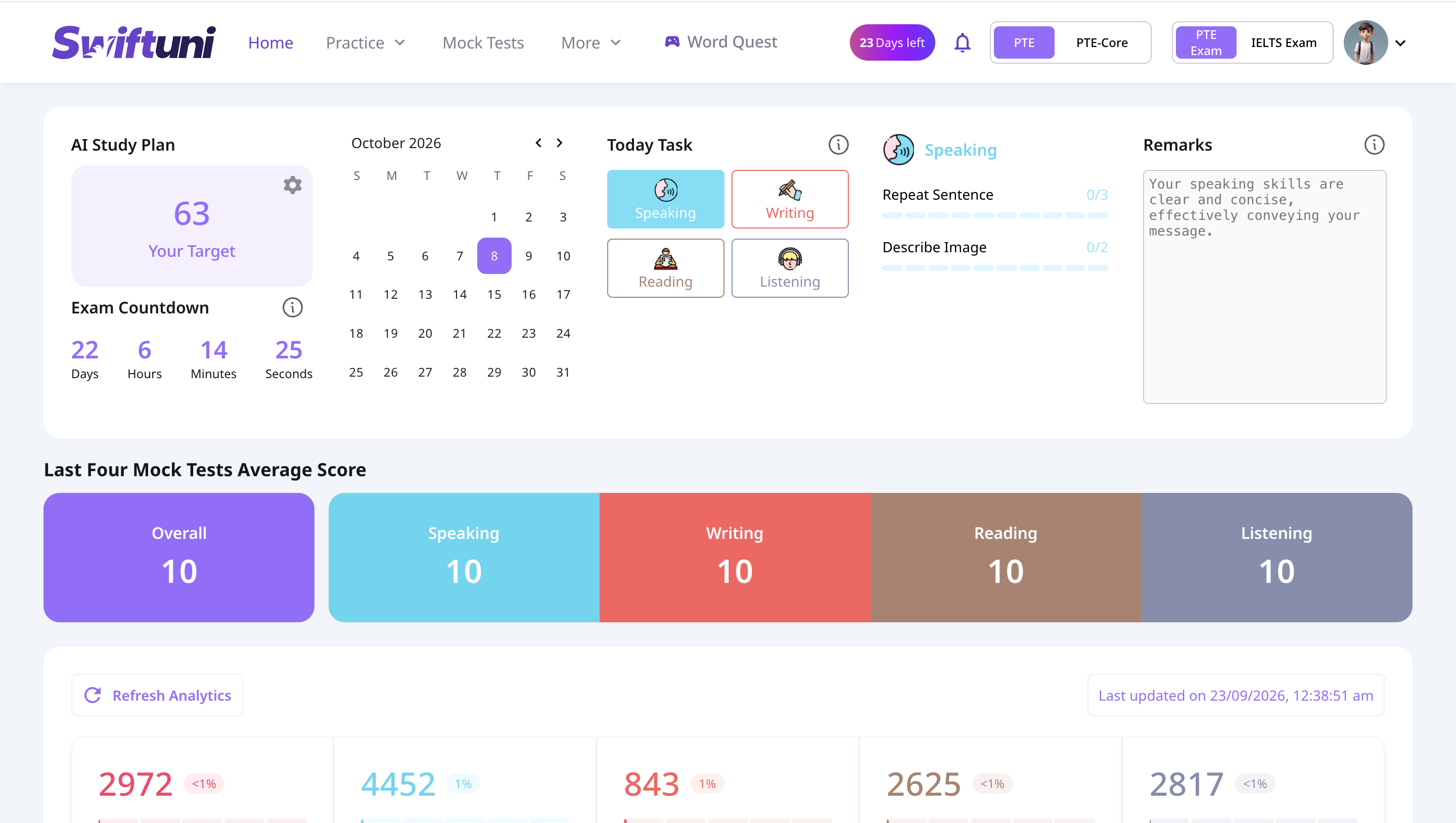
A ROUTINE YOU CAN RETURN TO
A score is a starting point. What you do with the feedback matters next.
Select Academic or Core, then a skill and question type. Use question-specific study tips where available before you begin.
Review your answer and the available feedback. For supported speaking tasks, listen back and check content, pronunciation and fluency.
Bookmark useful questions, revisit your attempts and choose one area to work on in your next practice session.
BEFORE YOU START
Both. You can download the Swiftuni Android app from Google Play or sign in to the web app in your browser. You don’t need to install the Android app to use the website.
Swiftuni is free to download and includes free practice access. Some practice content, mock tests and AI evaluations require an active VIP subscription or available usage tokens. Check your account and plan for current access.
Yes. Choose the exam you’re preparing for. The task selection changes to match the exam, including Write Essay for Academic and Write Email for Core.
No. Swiftuni’s AI scores and feedback are practice estimates, not official Pearson results. Swiftuni is an independent preparation platform and does not guarantee an exam score.
Sign in to access practice and your attempts. An internet connection is needed for online questions, submissions and AI feedback; don’t rely on offline access for these features.
START WITH YOUR NEXT QUESTION
Use Android or the web. Choose the practice access that fits your preparation.
Start practising on the web Get Swiftuni on Google Play View practice plans