
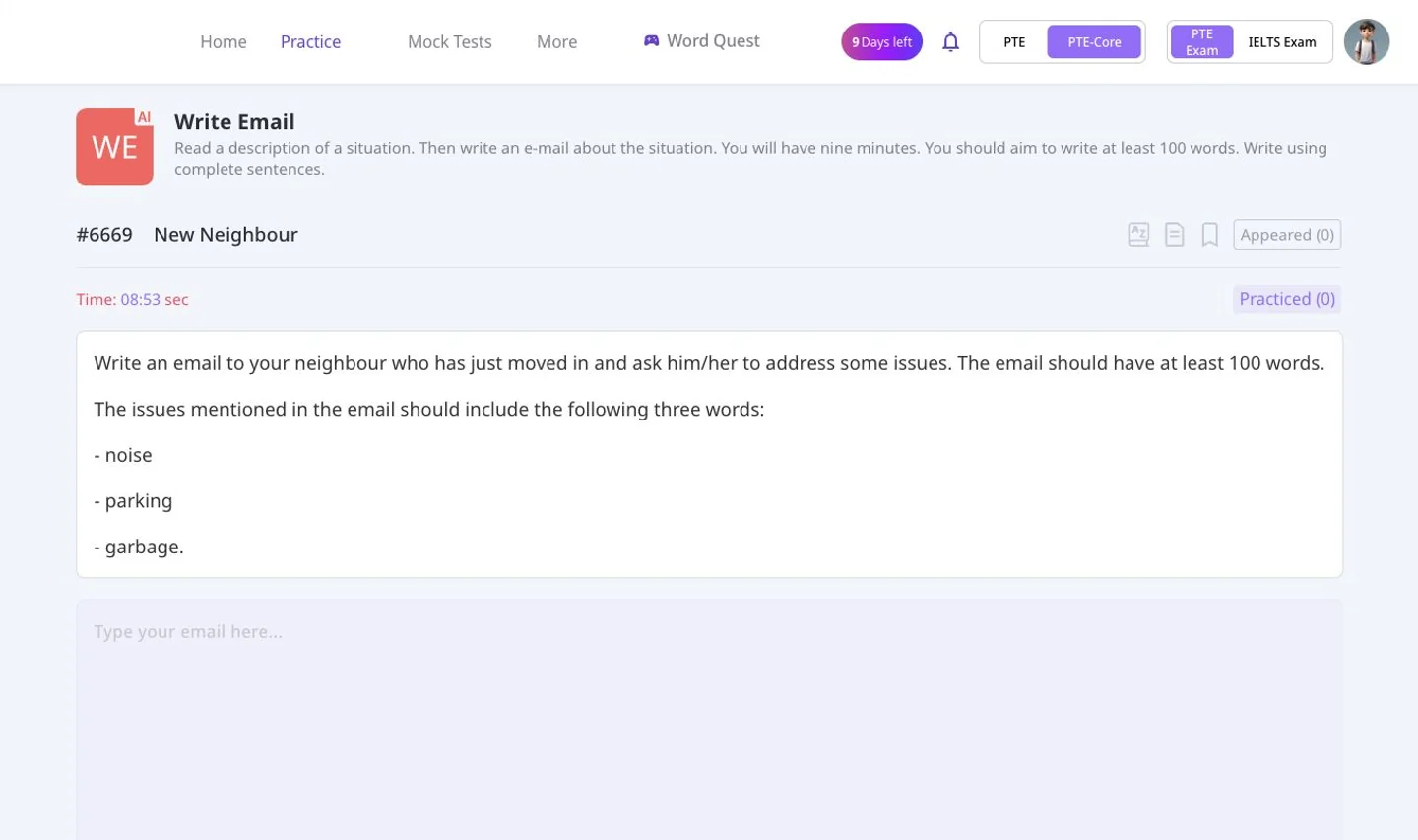
Write Email
Identify your reader, purpose and the points requested by the prompt. Practise an organised email with an appropriate tone, then review the available task and language feedback.
PRACTISE FOR THE EXAM YOU CHOOSE
Prepare for PTE Core with speaking, writing, reading and listening practice in Swiftuni. Select Core in your account to find the matching tasks and mocks, including Write Email. Academic and Core share some question types, but they are not interchangeable preparation paths.
Choose Academic or Core in your account. Access depends on your plan and available usage tokens.
CORE IS ITS OWN PATH
| Task | PTE Core | PTE Academic |
|---|---|---|
| Write Email | Included | Not included |
| Write Essay | Not included | Included |
| Respond to a Situation | Included | Included |
| Re-tell Lecture | Not included | Included |
| Summarize Group Discussion | Not included | Included |
This is a task-selection guide, not the complete test format or an official scoring guide.
A PRACTICAL PLACE TO BEGIN
Identify your reader, purpose and the points requested by the prompt. Practise an organised email with an appropriate tone, then review the available task and language feedback.
Work out who you are addressing and what needs to happen. Record a response that fits the situation, then listen back for clarity and completeness.
Use the Core task menu for reading questions, including fill-in-the-blanks, paragraph ordering and multiple-choice practice.
Build careful listening with Core-selected tasks. Check your answers and revisit missed details rather than only increasing your question count.
SET UP THE RIGHT SESSION
Open the web app or Android app using your account.
Use the Academic/Core selector. Check the selected mode before choosing a task.
Find the relevant Core task or available mock and check your account access.
BEFORE YOU BEGIN
Sign in to Swiftuni and use the PTE Academic/Core selector to choose Core before opening practice or mocks. The sign-in link does not automatically select Core for you.
PTE Core uses Write Email. Write Essay belongs to PTE Academic. Select the correct exam so you practise the appropriate writing task.
No. Respond to a Situation is available in both Core and Academic. Re-tell Lecture and Summarize Group Discussion are Academic-only speaking tasks.
No. Swiftuni practice and mock-test results are preparation estimates, not official PTE Core results or evidence of immigration eligibility.
MAKE YOUR NEXT SESSION COUNT
Open Swiftuni in your browser, select your exam and choose a task that fits today.
Open the web app Check practice plans